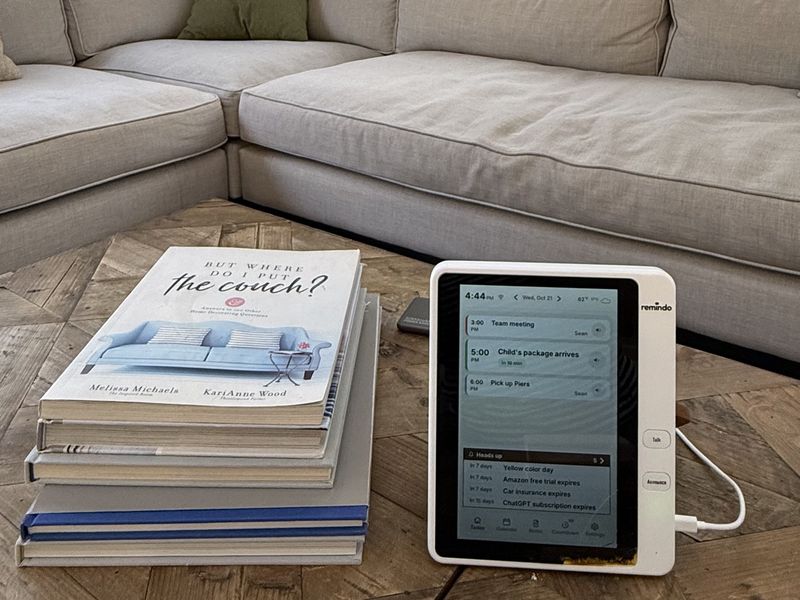
The little things get remembered.
The good days get counted down.

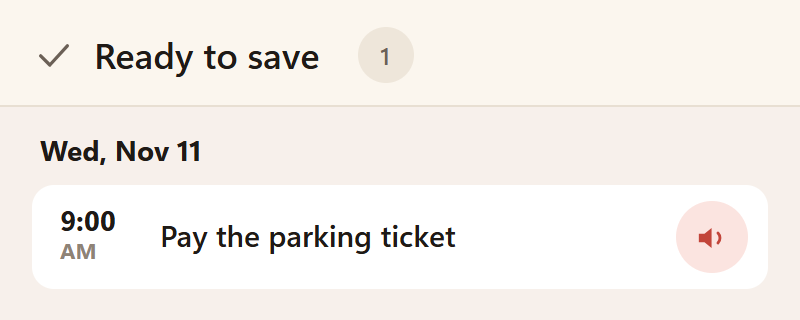
Press a button and say what you want to remember. Remindo shows it on screen and reminds you out loud when it's time—so everyone in the family can manage their own reminders.

No appNo account needed
No subscription fees. Ever.For early buyers.
  • No camera
  • No background listening
  • Speak your own language
  • Press to talk
  • Send voice messages to linked Remindo devices—even across countries.
  • Requires Wi-Fi and internet
Kickstarter early-bird price: US$79 · Shipping extra

BE FIRST TO HEAR

Meet us at launch.

Leave your email and we’ll let you know when you can back Remindo.

Targeting Kickstarter in October 2026 · Timing may change

Two buttons. That’s it.

Talk Press, then speak.

“Remind me to water the plants tomorrow at five.”

The person who cares about it can say it — in their own language.

Announce Hold to speak. Release to send.

“Dinner’s ready!”

Send a voice message to linked Remindo devices in another room, another home, or another country. All devices need an internet connection.

For the whole family

A shared reminder board the whole family can use.

Reminders, countdowns, and saved notes—all in one place, for everyone at home.

Less remembering. More living.

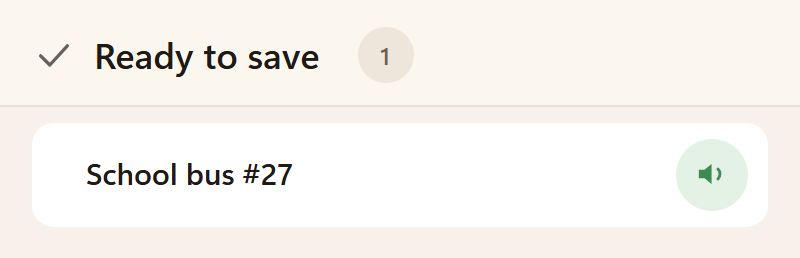
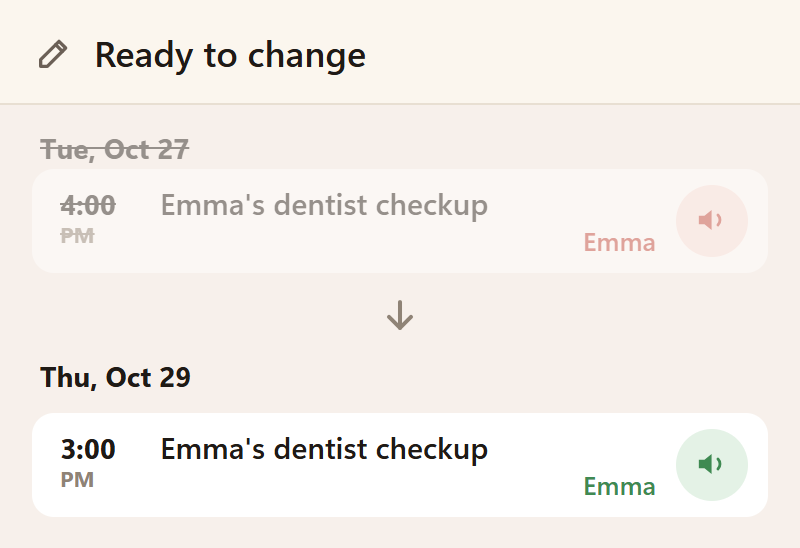
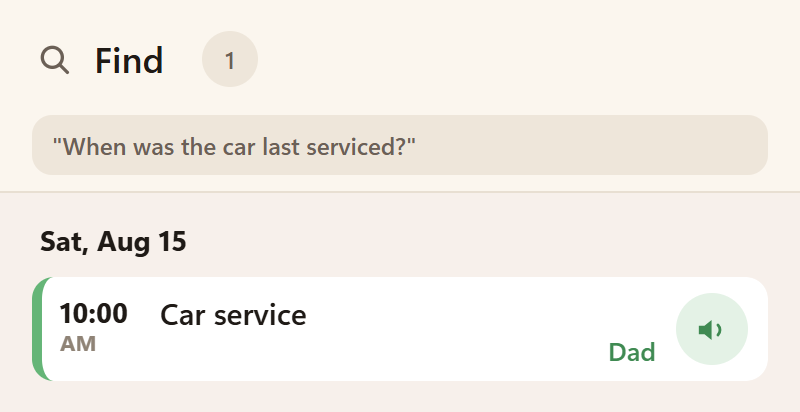
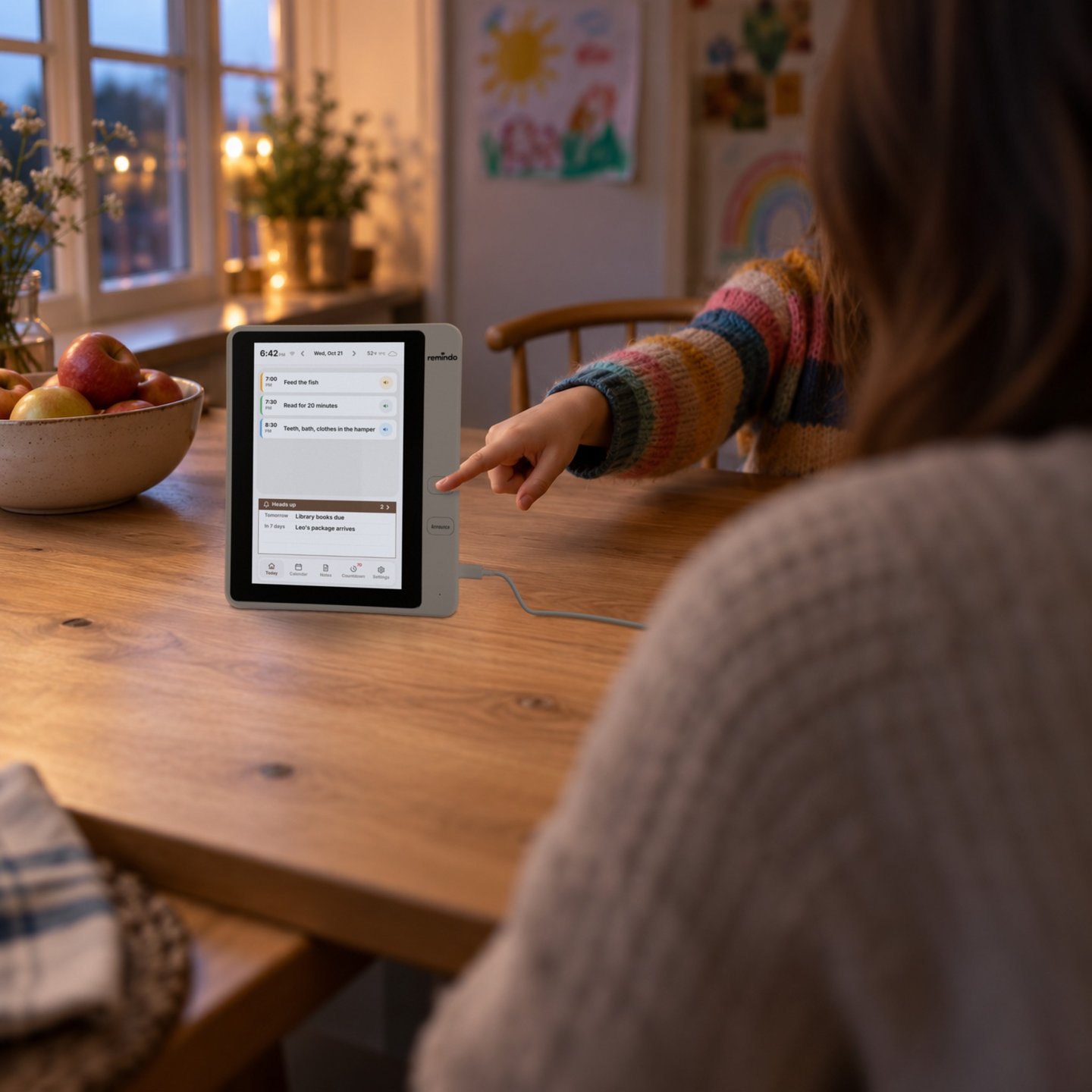
A child can save “Water bottle tomorrow.” A parent can say “Move the plants on Wednesday.” A grandparent can ask about a past appointment. Just speak to add a reminder or find something saved before.

Why I made Remindo this way.

Say it now. See it when you need it. Hear it when it’s time.

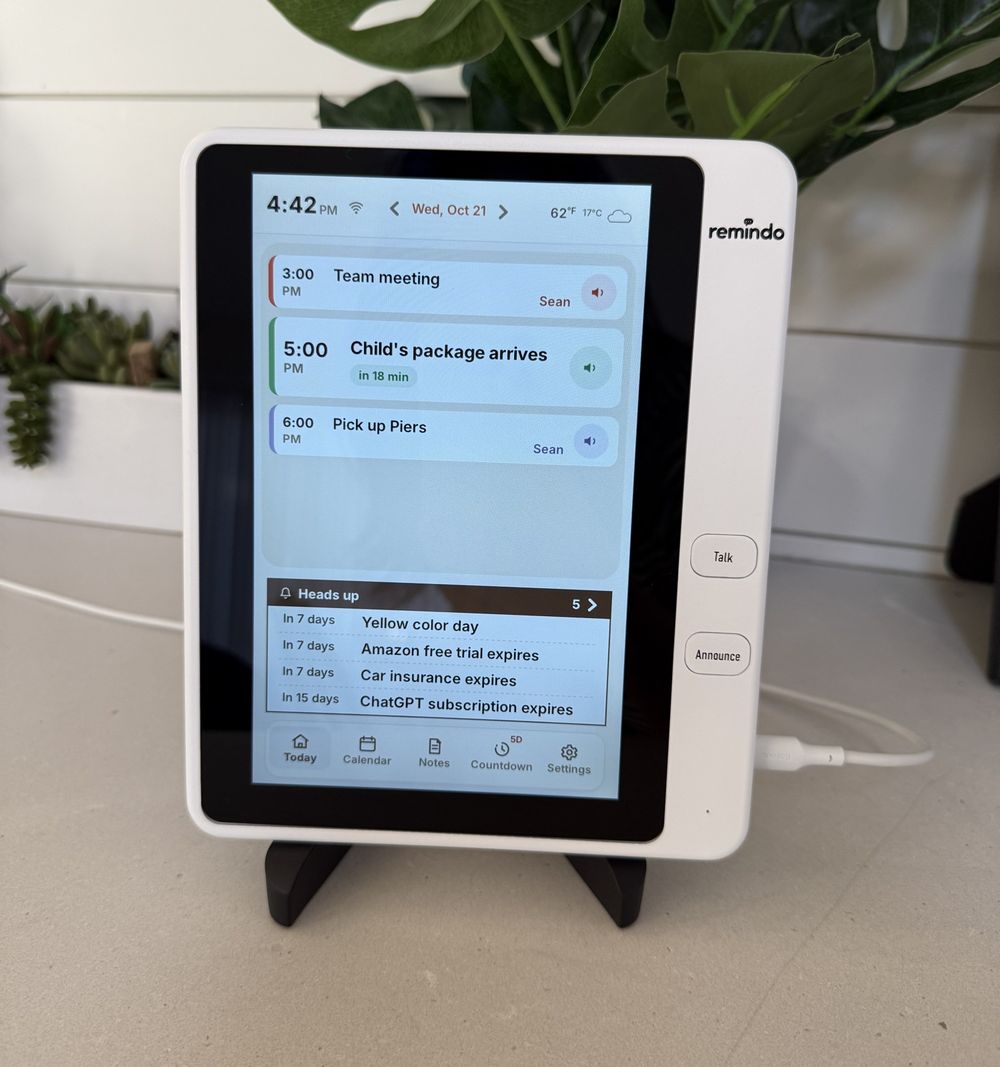
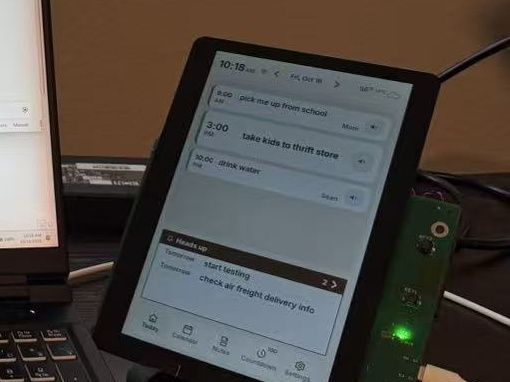
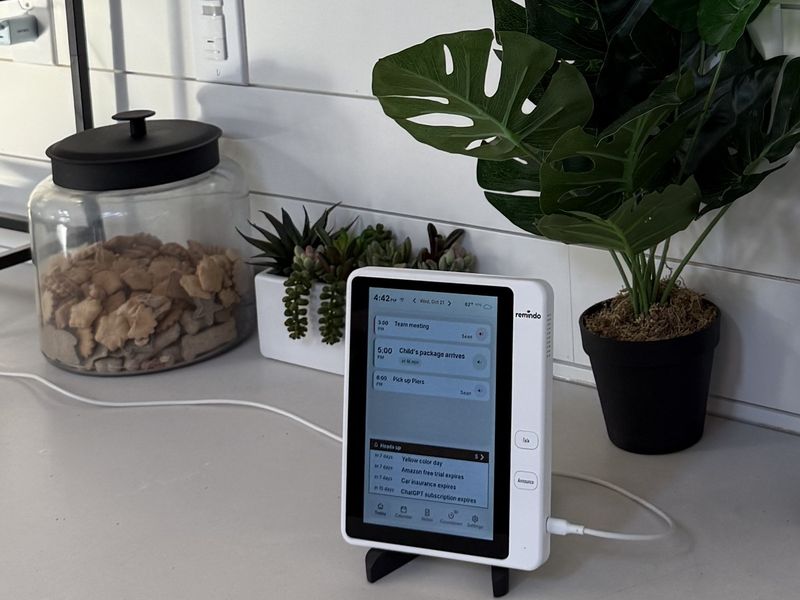
See today’s reminders on screen and hear them aloud when due. Tap a reminder’s speaker icon to hear it again.

Sean & Sherri · Husband-and-wife co-founders

I used to wish
someone would make this.

I'm a mom of two who runs an online store from home. Our reminders lived on my phone, but I was still the one keeping track of everything.

I wanted my kids to set their own reminders and family members who don't speak English to use it on their own. No app to download. No account to create. Just press and speak.

My husband Sean and I started building Remindo in June 2026 with a part-time engineer. ChatGPT and Claude helped us turn ideas into working features and designs—sometimes in a day instead of a week. Their help made a huge difference for our small team.

Sherri · Product & vision

Designed around everyday family life.

I lead product ideas and creative direction, shaping how Remindo fits into everyday family life.

Sean · Technology & engineering

Hardware and software, together.

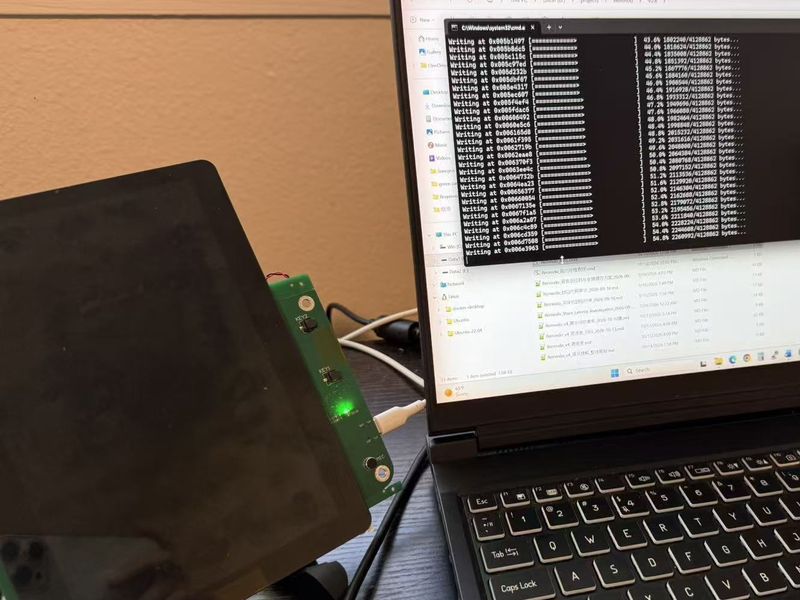
Sean leads technical development. With experience in software and hardware, and having previously run his own product development company, he brings both sides of the device together.

More about Remindo

The details
families ask about.

When can I order, and what will it cost?

We’re aiming to launch on Kickstarter in October 2026, with early-bird pricing starting at US$79, excluding shipping. Orders are not open yet. Timing may change; shipping details and campaign offers will be announced at launch.

Can I get an email when Remindo launches?

Yes. Join our free email list and we will let you know when Remindo launches on Kickstarter. No payment is taken. Signing up does not reserve a device or lock in a price.

Will early buyers pay a subscription fee?

No. Kickstarter backers and customers whose official-store orders are marked Early Supporter receive the Remindo family service free for life.

How do I create a reminder?

Press the Talk button and say what you want to remember. Remindo shows the reminder on screen and reads it aloud when it’s time. No app or account needed.

Does it sync with Google Calendar, Apple Calendar, or Outlook?

No. Remindo’s built-in calendar shows the reminders you create on Remindo. It does not sync with other calendar apps.

Can children who cannot read use it?

Yes. Children can press the button and speak to create reminders, then hear them aloud. They don’t need to type or read English.

Can family members use their own language?

Voice reminders support English, Chinese, and Spanish. On-screen menus are primarily in English.

Does it have a camera or listen in the background?

No camera, no background listening, and no wake word. The microphone activates only after a physical button press.

Can I send voice messages to another home or country?

Yes. Linked Remindo devices in the same group can receive voice messages anywhere they have an internet connection—even in different countries. Messages are recorded broadcasts, not live two-way calls.

Can several devices share reminders?

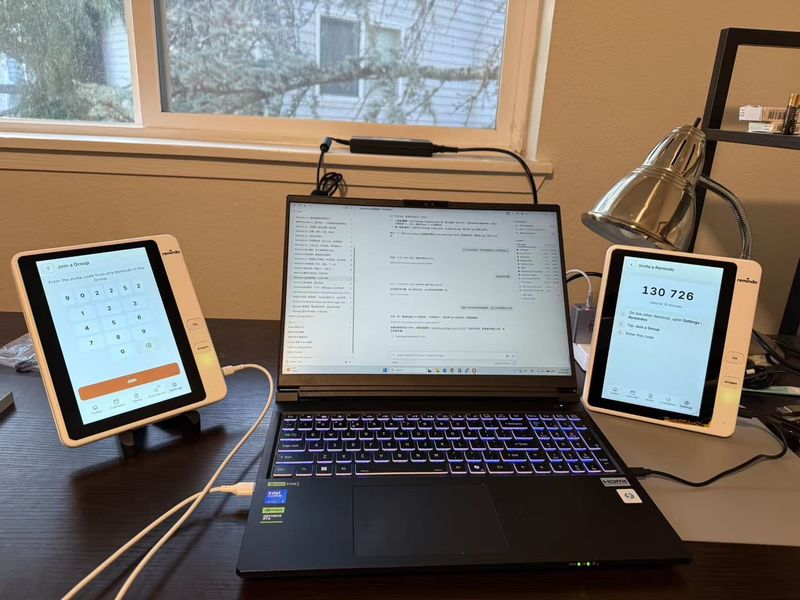
Yes. Link your devices and turn on reminder sharing on each one to make family reminders available across the group.

How do I set family names and reminder voices?

Scan the device’s QR code with your phone to open optional web settings. Add family names and choose reminder voices, including silly voices for kids. No app or account needed.

Can I replay a reminder or get advance notice?

Tap a reminder’s speaker icon to hear it again. For less frequent events, Heads up shows silent on-screen notices 1, 7, 15, or 30 days ahead.

Can I find old reminders or record past events?

Yes. Reminders stay saved after their date passes. Browse past dates or ask Remindo to find a saved record. You can also add a past-dated entry.

What is the Family Board?

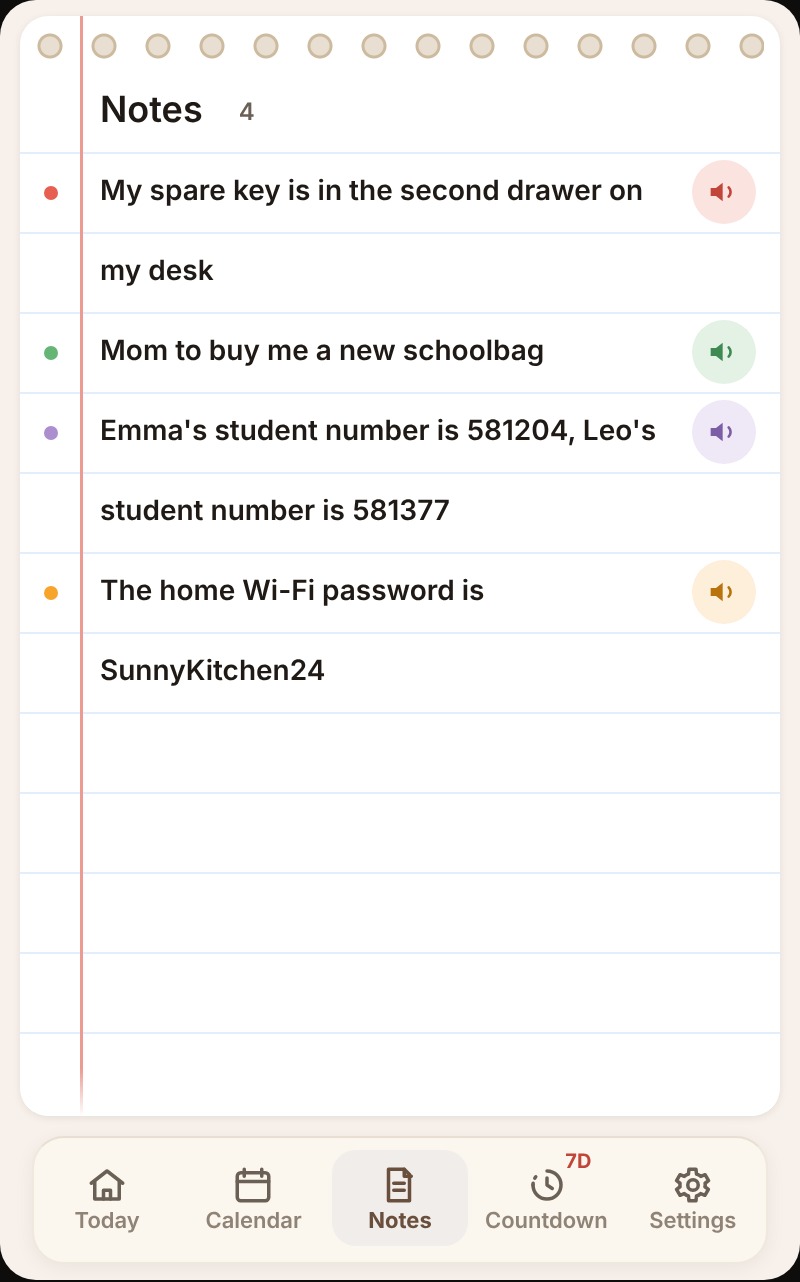
A place for notes without a due date, like the Wi-Fi password. Add notes by speaking and replay them aloud. They stay until you change or remove them.

Can I count down to birthdays and trips?

Yes. Add important dates by voice and see the days remaining in Countdowns. Kids can create and check their own countdowns.

How does subscription tracking work?

Monthly and yearly entries marked as subscriptions appear in one view. See what’s due this month and the total of the prices you’ve added. Entries without a price still appear but aren’t included in the total.

Does Remindo need Wi-Fi or a power outlet?

Yes. Remindo needs Wi-Fi, an internet connection, and USB-C power. It has an 8-inch screen and no battery.

What comes in the box?

One Remindo device and one USB-C cable. A power adapter is not included.

Is the appearance final?

Images and interface screens are design previews. The final product appearance may vary slightly.